
Linking Your Disney World Package
Woohoo!! You just booked your Disney World trip. Before you dive into the world of Disney, let’s start by linking your Disney World Package to your My Disney Experience Account.
Here’s the super simple process of linking your Disney World package to your My Disney Experience account.
Quick Tips
Let’s look at how to add your vacation to My Disney Experience.
Step-By-Step Guide (Website)

Open Your Browser
Head over to Disney World’s official website. Look for the “Sign In or Create Account” option at the top and give it a click.
Sign into your My Disney Experience Account. Once signed in click on “My Disney Experience” on the top right.

Find Your Plans
Once you’re in, scroll down to Plans and Tickets. Hover over Resort Hotels and click on “Link Reservations”.

Link It Up
Here’s where you’ll need that confirmation email. Enter your package details in the “Confirmation Number” section, add your last name, and hit “Next”. Now, you can assign the package to your fellow travelers!

Need Your Confirmation Number?
Check out the Walt Disney World Package Confirmation Letter. It’s got all the details you need. SUCCESS!

Step-By-Step Guide (Mobile App)

Open My Disney Experience
Launch the app and tap on the three lines at the bottom right.
You can download the app from your phone’s app store

Your Future Awaits
Scroll a bit to find the ‘Account Section’, then locate ‘Link to Account’ and tap on it.

Final Touches
Choose “Type ID”, punch in your “Confirmation ID” and last name, and click “Link Resort”. Now, you can assign the package to your family members.
Need Your Confirmation Number?
Check out the Walt Disney World Package Confirmation Letter. It’s got all the details you need. SUCCESS!
Ready, Set, Let’s Start Planning!
And that’s it! You’re all set to start planning your magical vacation. Have a blast and see you in the Magic Kingdom!
20% Off site-wide, plus Free Shipping on all orders of $65+
Over 75+ Designs! Your next park shirt is just a click away








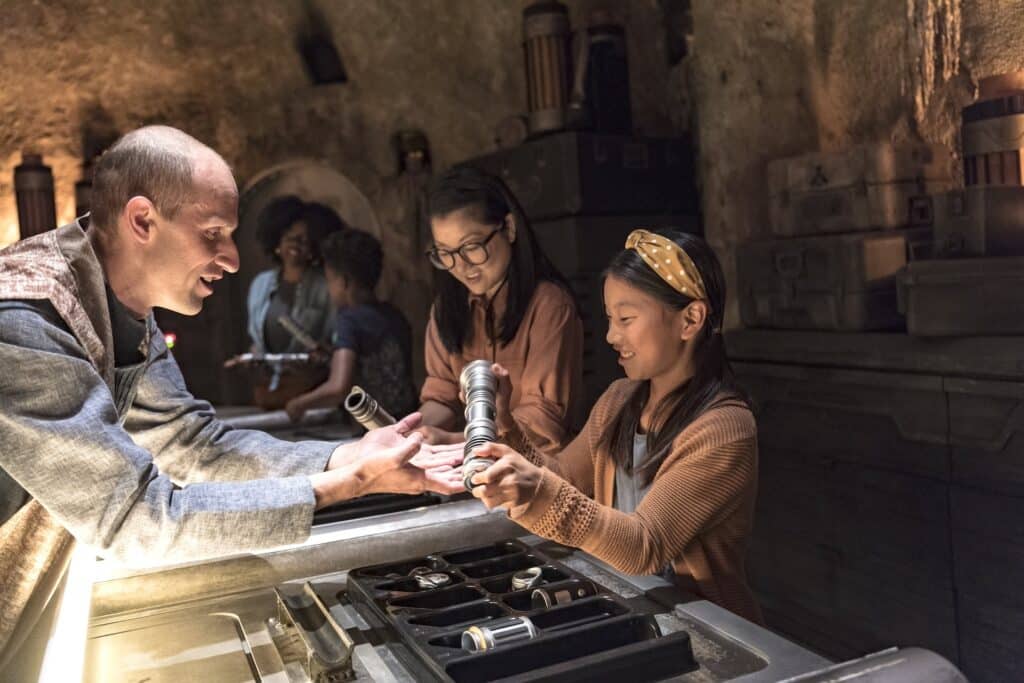
Looking To Book Your Dream Disney Vacation?
Your Disney vacation should create unforgettable memories that last a lifetime.
Whether you’re a first-time Disney vacationer or looking to plan your next magical adventure, it isn’t enough just to go on a Disney vacation. We want you to talk about your vacation for years to come and create memories you’ll cherish forever. Vacation is calling! Are you ready to answer?


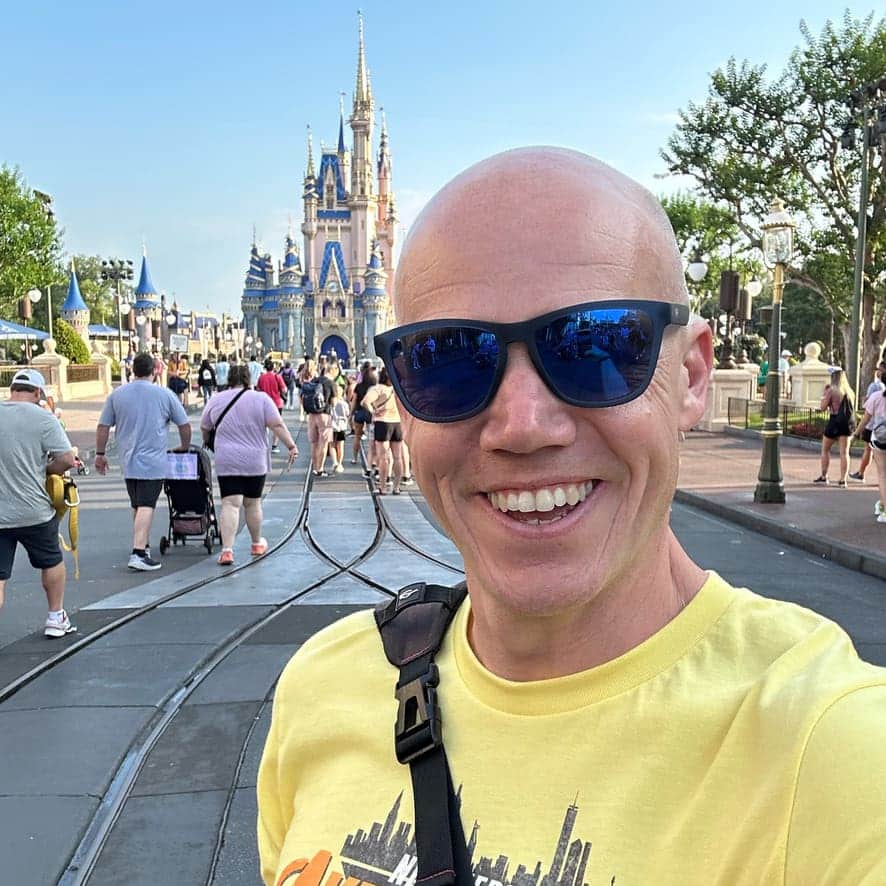
Meet the Author: Nate Bishop
I’m a die-hard Disney fan with 38 years of visits under my belt, having stepped into Disney World 120+ times. Proud to be a Disney Annual Passholder, a Vacation Club member since ’92, a Castaway Club Member, and a runDisney enthusiast. Oh, and I’ve graduated from the Disney College of Knowledge. Need Disney insights or planning tips? I’m your guy!
LAST UPDATED: