
Creating a My Disney Experience Account
Are you getting ready to head to Disney World? Let’s walk you through the process of creating your very own My Disney Experience account. It’s super easy, and I promise it’ll be fun!
Hey Disney Vacationers! If you’re planning a Walt Disney World vacation, the very first step isn’t packing your bags or booking flights—it’s creating a My Disney Experience account. This little login is your golden ticket to the magic. Without it, you can’t link park tickets, manage dining reservations, or use Lightning Lane Multi Pass. Think of it as the control center for your Disney trip.
Let’s break it down step by step so you’re set up for success.
What Is My Disney Experience?
My Disney Experience (MDE) is Disney World’s official planning hub. You’ll use it to:
- Link and manage your park tickets.
- Add your Disney Resort hotel reservation.
- Make dining reservations.
- Use Lightning Lane Multi Pass and Single Pass.
- Join virtual queues (when available).
- Order food from mobile dining.
For more on My Disney Experience, check out my full breakdown of what the app entails.
Here’s the catch: your Disney Account (the login you use for Disney+ or Disneyland) is the same account you’ll use for My Disney Experience. If you already have one, you’re halfway there.
Do You Already Have a Disney Account?

- If you’ve logged into Disney+, ESPN+, Hulu or purchased anything on ShopDisney, you already have a Disney Account. Use that email and password to sign in.
- Every adult in your group should have their own account with their own email.
- Kids 3 and older don’t need separate logins—you can add them under a parent’s account.
- Children under 3 don’t need an account because they don’t require park tickets.
Pro tip: Designate one person as the “lead planner.” This helps keep everything organized.
Step-by-Step: How to Create a My Disney Experience Account

Step One
- Head over to the Walt Disney World website.
- Spot the “Sign In or Create Account” option at the top? Click on it!
Tips
- Best to do this on a web browser, whether on your computer or phone
- For a smoother experience, use the “private” or “incognito” mode on Chrome or Safari.

Step Two
- If you’re already a Disney Account holder, just sign in with your credentials.
- New to the Disney family? No worries! Click on “Create an Account”.

Step Three
- Fill in all the required details.
- Once done, hit the “Create Account” button.

Step Four
Success! Your My Disney Experience Page should now be all set up and looking magical. Remember to repeat these steps for each family member.
Setting Up the My Disney Experience App
After creating your account, download the My Disney Experience app on iOS or Android. This is where the magic happens in the parks.
Inside the app, you can:
- View your park tickets and reservations.
- Mobile order food.
- Join virtual queues.
- Book Lightning Lane selections.
- Unlock your Disney Resort hotel room with your phone.
It’s free to download, and it will be your best friend during your trip.
FAQs: About Creating a My Disney Experience Account
Do I need a separate account for each family member?
Each adult needs their own. Kids can be managed under a parent’s account.
Can I use my Disney+ login for My Disney Experience?
Yes, as long as it’s the same email and password.
What if I forget my password?
Click “Forgot Password” on the login page and follow the steps to reset.
Can kids under 13 have their own account?
No, Disney requires kids under 13 to be managed under a parent’s account.
Is the My Disney Experience app free?
Yes! Both the website and app are free to use.
Final Thoughts
Creating a My Disney Experience account is the first step to making your Disney World vacation stress-free. It only takes a few minutes, but it unlocks every tool you’ll need for park planning. Check out the following guides on how link your Disney Tickets, Disney Resort Reservations, and My Experience accounts together:
👉 Want help booking and planning your tip? Reach out to DisTrips and More, and I’ll make sure your Disney trip is magical from start to finish.

20% Off site-wide, plus Free Shipping on all orders of $65+
Over 75+ Designs! Your next park shirt is just a click away










Looking To Book Your Dream Disney Vacation?
Your Disney vacation should create unforgettable memories that last a lifetime.
Whether you’re a first-time Disney vacationer or looking to plan your next magical adventure, it isn’t enough just to go on a Disney vacation. We want you to talk about your vacation for years to come and create memories you’ll cherish forever. Vacation is calling! Are you ready to answer?


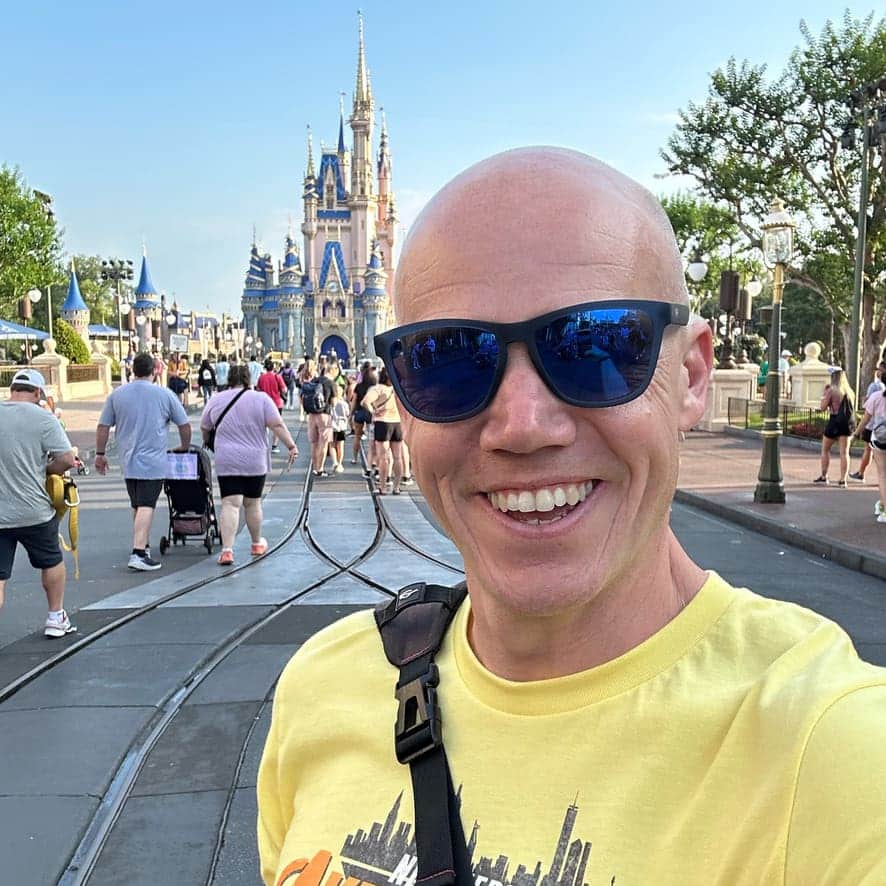
Meet the Author: Nate Bishop
I’m a die-hard Disney fan with 38 years of visits under my belt, having stepped into Disney World 120+ times. Proud to be a Disney Annual Passholder, a Vacation Club member since ’92, a Castaway Club Member, and a runDisney enthusiast. Oh, and I’ve graduated from the Disney College of Knowledge. Need Disney insights or planning tips? I’m your guy!
LAST UPDATED: